GA4 Reports for Retention Marketers: What to Track and Why It Matters
3 min read
Last updated
Share
In this article
But that doesn’t mean we can’t extract gold from it.
Most brands rely on GA4 for acquisition metrics. But if you're in the business of retention, customer lifetime value, and relationship-driven revenue, GA4 still has tools that matter. You just need to know where to look and what to ignore.
This is your no-fluff guide to making GA4 useful for DTC retention, especially if you're running email, SMS, loyalty, or subscription programs on Shopify.
First, Why Bother with GA4 at All?
Because when your ESP data tells you what happened in a campaign, GA4 tells you what happened next:
Did that email drive a subscription renewal or just a click?
Did the loyalty flow convert to a second order, or drop them offsite?
Are your “win-back” clicks leading to bounce-and-exit?
GA4 gives you the behavioral breadcrumbs most ESPs don’t track past the first touchpoint.
The 5 GA4 Reports Every Retention Marketer Should Bookmark
1. Retention Report
Location: Reports > Life Cycle > Retention
This report shows how many users return to your site after their first visit, filtered by day/week/month.
Use it to:
Identify post-campaign drop-off
Spot underperforming subscription or loyalty onboarding
Zoom in on individual users and track their journey across sessions. If you’re running high-touch VIP or loyalty campaigns, this is how you measure real impact.
Use it to:
Trace behavior after reward redemption
Watch what happens after a subscription cancellation email
Compare loyal vs. lapsed customers
3. Events by Page Title & Screen Name
Location: Reports > Engagement > Events
This lets you track who’s actually engaging with your retention-focused content (post-purchase education, quiz pages, loyalty dashboards).
Use it to:
Monitor click-throughs to “Earn More Points” or “Manage Subscription”
Measure flow content performance (e.g. traffic from “How to Use” emails)
Here’s the trick, GA4 won’t natively show you “flow revenue.” But when you connect GA4 event tags to key actions (e.g. “Started Subscription” or “Clicked Loyalty Button”), you can infer retention results and layer them on top of your ESP data.
That’s how you stop guessing which flow actually worked, and start proving it.
Free GA4 Retention Report Cheat Sheet
Want a quick-reference guide with step-by-step report instructions, filters, and KPI notes?
GA4 isn’t the perfect tool for retention marketers. But when used right, it turns gut-checks into strategic decisions. Whether you're optimizing flows, tracking loyalty performance, or mapping customer journeys beyond email clicks, GA4 bridges the gap between campaign execution and behavioral truth.
And when you start pulling these insights consistently? You become the person on the team who doesn’t just send emails. You shape outcomes.
Why brands hire Sticky Digital
Retention only, since 2019.
25% to 40%of store revenue from email within six months, typical for brands we work with
+$1.5MKlaviyo revenue year over year for U Beauty
100+DTC brands since 2019, email, SMS, loyalty and subscription
3 to 5 daysto deliver your free 35 to 40 page audit










 American Optical
 Smith Teamaker
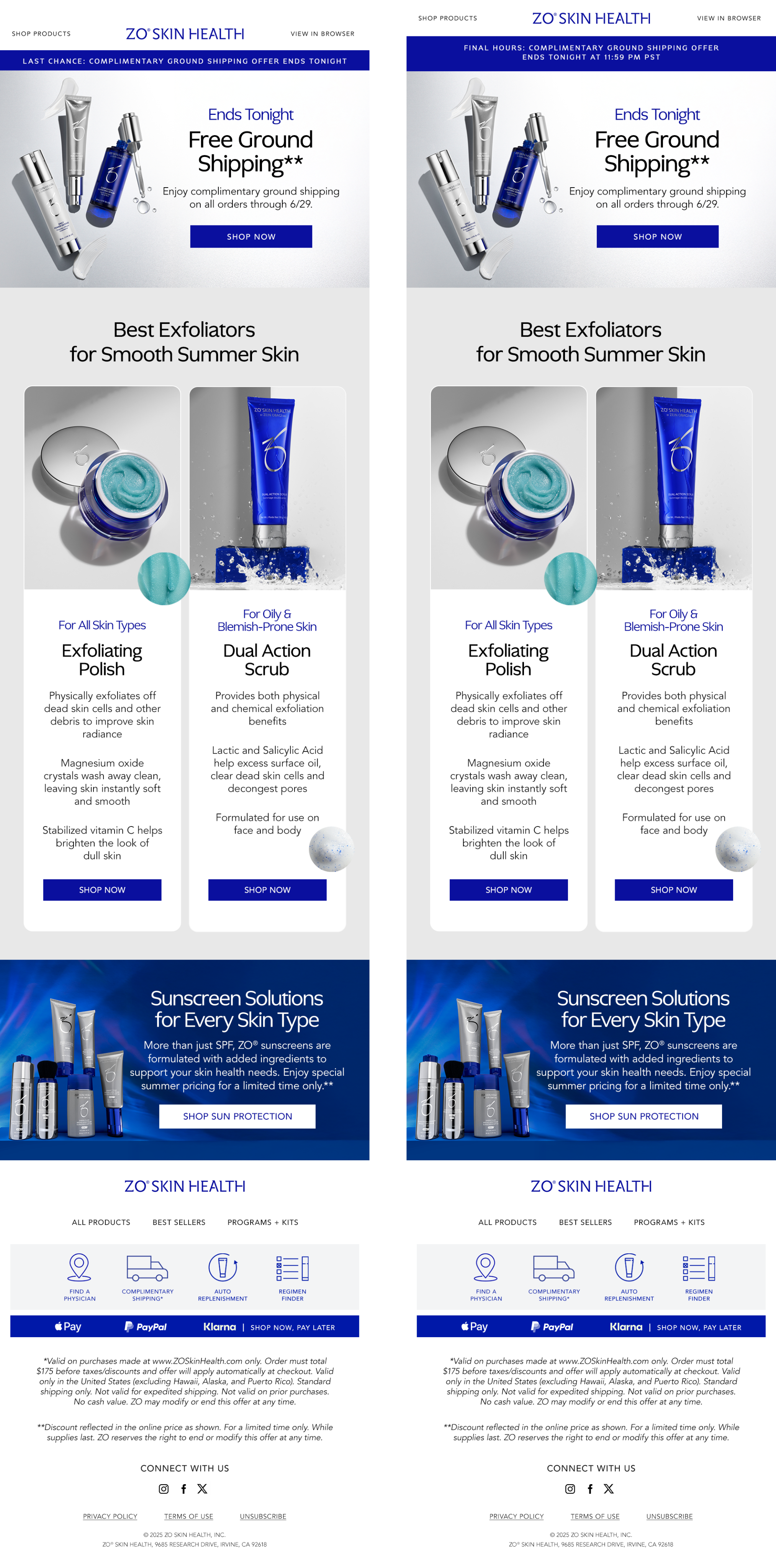 ZO Skin
 Wiley X
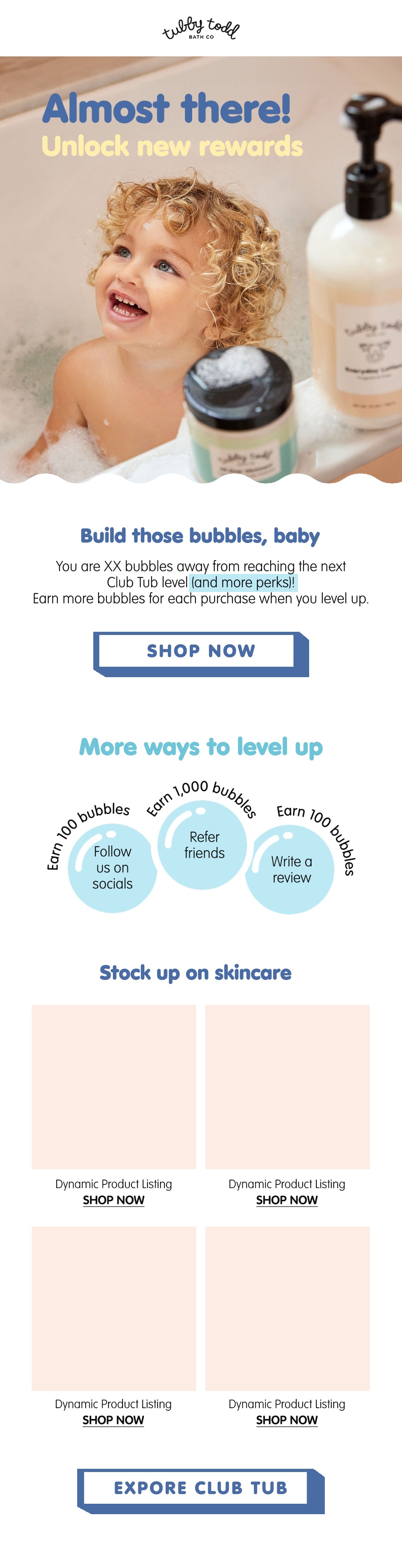 Tubby Todd
 Legend Headwear
 Calaswim
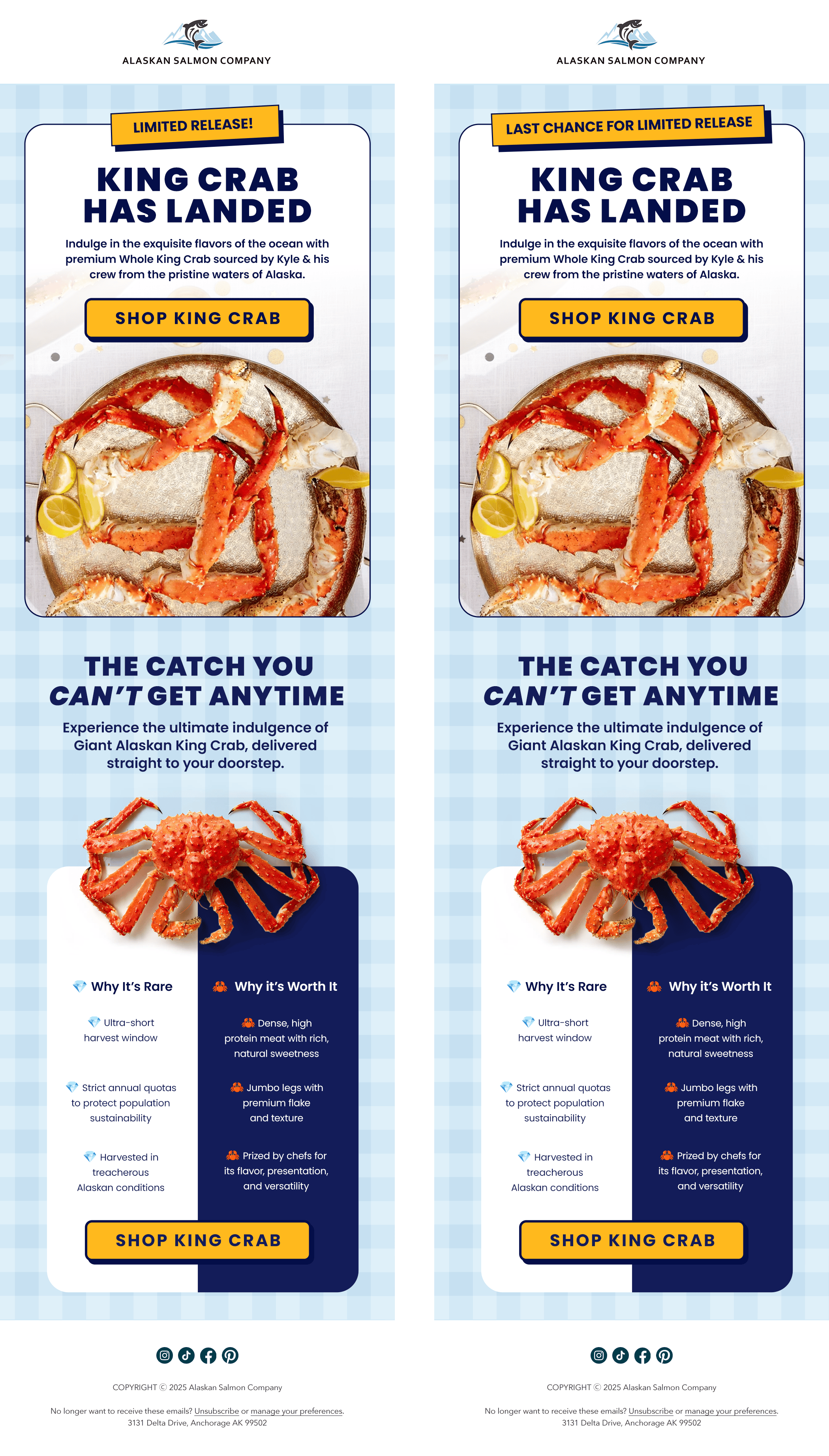 Alaskan Salmon Co.
 Nearly Natural
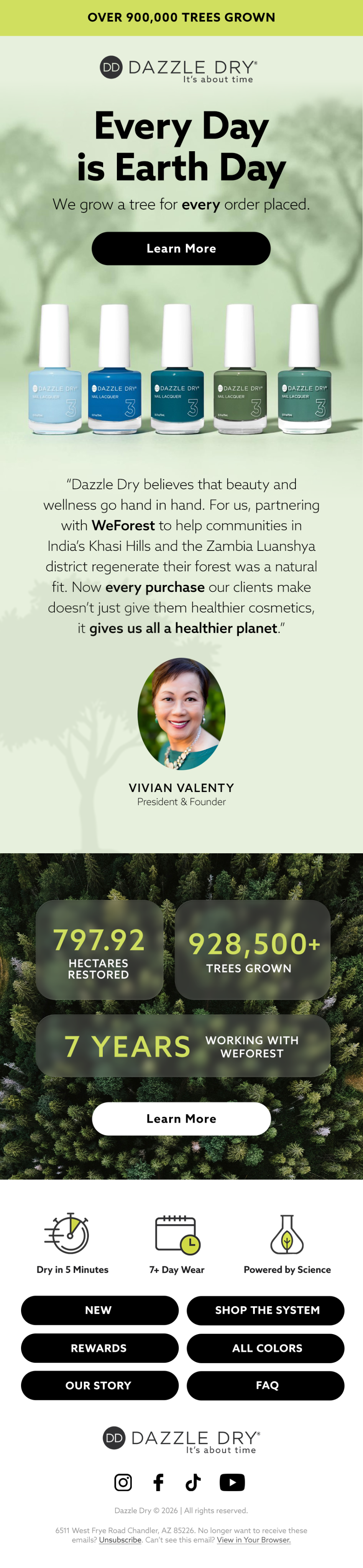 Dazzle Dry
See the full design gallery
 Annual vs. Monthly Subscription Upgrade Calculator: How to Convert Subscribers to Annual Plans Without Triggering Churn
 Subscription Lifecycle Email Map: The Automated Email Blueprint That Prevents Churn
 Subscriber Community Guide: How to Build a Private Membership Community That Reduces Subscription Churn
 Annual vs. Monthly Subscription Upgrade Calculator: How to Convert Subscribers to Annual Plans Without Triggering Churn
 Subscription Lifecycle Email Map: The Automated Email Blueprint That Prevents Churn
 Subscriber Community Guide: How to Build a Private Membership Community That Reduces Subscription Churn